As you make decisions about your benefits, consider how you can get the most out of your employment with Givaudan. Just as your life changes from one year to the next, your health and welfare needs change, too. Take advantage of this limited-time enrollment window to ensure that you have the benefits coverage you need. Coverage you elect during Open Enrollment takes effect January 1, 2027.
Scroll down to see What’s New for 2027. Check out Your 2027 Benefits Resources at the bottom of the page. When you’re ready to review or change your elections, venture over to the Givaudan Benefits Portal.


As they do each year, health care costs are increasing across the country. At Givaudan, we’ve been able to keep costs steady for several years in spite of these upward trends. However, for 2027, medical premiums are rising about 9% and dental about 3%. This may seem like a lot, but, as in prior years, Givaudan is paying most of the increase while maintaining our comprehensive and highly competitive benefits package. Also, here’s some good news: your cost for vision coverage is decreasing by 12%.
The IRS has raised limits for high-deductible health plans and the Health Savings Accounts that work with them. Deductible and maximum out-of-pocket amounts for our HSA Advantage Plan must increase, per IRS updates, so limits are rising congruently across our three medical plans.
The amount you can contribute to an HSA is higher for 2027. The new limits are $4,500 for Individual coverage and $9,000 for Family coverage. These limits include the combined total of Givaudan’s and your contributions. Employees age 55+ may save an additional $1,000 above these amounts.
The amount you can save pretax for eligible health care expenses is rising to $3,400 (from $3,300).
You may save up to $7,500 pretax in 2027 to cover dependent care expenses. This amount is unchanged from 2026.
We’re transitioning our HSA administrator to Fidelity. Starting with your 2027 elections, your HSA debit card will come from Fidelity instead of Optum. Any existing balance in your Optum HSA is safe and will remain yours — Fidelity will reach out with instructions for rolling it into your new account. Or, you may choose to keep the two accounts separate.
Your vision coverage stays with VSP for 2027 — no changes to your network or plan design. The best part: your cost for vision coverage is decreasing by 12%.
For many of us, “family” extends well beyond two-legged members. That’s why we’re excited to add pet insurance to our benefits lineup for the first time. MetLife Pet Insurance helps cover the cost of unexpected vet visits, accidents and illness — so a surprise trip to the vet doesn’t have to mean an unplanned hit to your wallet. Coverage is flexible, reimbursement can be up to 90%, and you can visit any licensed vet in the U.S.
Since you pay MetLife directly, the policy goes with you if you ever leave Givaudan. Enroll anytime on the Givaudan benefits portal, not just during Open Enrollment like most of your other benefit options.
If you choose this coverage, be aware that pre-existing conditions are not covered, unless they were covered by a pet insurance policy you’re currently carrying.
See full plan details, the MetLife Pet app, and how to enroll on the Pet Insurance page.


Information about your 2027 benefits is being mailed to you. It’s important to verify that your personal information is current now to avoid a hassle later.
In early 2027 we will debut The GIV Journey — a holistic approach to Givaudan rewards. The GIV Journey will help bring all your benefits into focus so you can fully know what’s available to you, when you need it, across your life’s journey.
Watch for additional communications about The GIV Journey after Open Enrollment. Then, a brand-new GIV Journey website will launch in early 2027 as your 24/7 go-to for everything you need to know about Givaudan benefits.
General
Summaries of Benefits and Coverage
Open Enrollment Presentation
Medical Plans Videos
English
Spanish
You can estimate your health care costs for the upcoming year as you go through the enrollment process. Based on how you used your medical coverage this year, you can predict what your experience might be like under each medical plan option in the year ahead. Rest assured that your health plan usage data is kept confidential and provided directly to you (via log-in or SSO) from your insurance carrier’s encrypted website.
Smart Options offers five levels of coverage for medical, dental and vision benefits. You may choose a different level for each.
The benefit choices you make during Open Enrollment will remain in effect from January 1 through December 31. You can change your elections each year during the Open Enrollment period, or within 31 days of a qualified life event (e.g., marriage/divorce, or a change in dependent or employment status).
Your Health
Your Money
Your Life
Time Away
If you currently have medical and prescription, dental and/or vision coverage through Givaudan …
… your health care elections will continue into the new year at 2027 rates.
… However, you must actively re-elect a tax-advantaged savings account (e.g., Health Savings Account or Flexible Spending Account) and the Vacation Buy/Sell Benefit for next year, even if you have these now.
If you currently do not have health care coverage through Givaudan …
… you will have no health care coverage next year unless you take action during Open Enrollment. There is no opportunity to enroll later, without a qualifying life event.
The Open Enrollment period is the only time you are permitted to make changes to your coverage unless you experience a qualifying life event (QLE) that changes your status, such as birth or adoption of a child, marriage, legal separation, divorce, or a change in your spouse’s employment status.
If you experience a QLE, visit the Givaudan benefits portal and find out what changes you may make. Changes must be made within 31 days of the event. If you miss the 31-day deadline, you’ll have to wait until the next Open Enrollment period to make a change in your coverage.
Adding a newborn? Don’t wait for your child’s birth certificate to be issued to notify us. Make the change online within the 31-day period and send the Benefits Department a copy of your baby’s footprints or ID card from the hospital. Then send in the baby’s birth certificate and update the Social Security number as soon as you receive them.
It’s easy to access the Givaudan benefits portal.
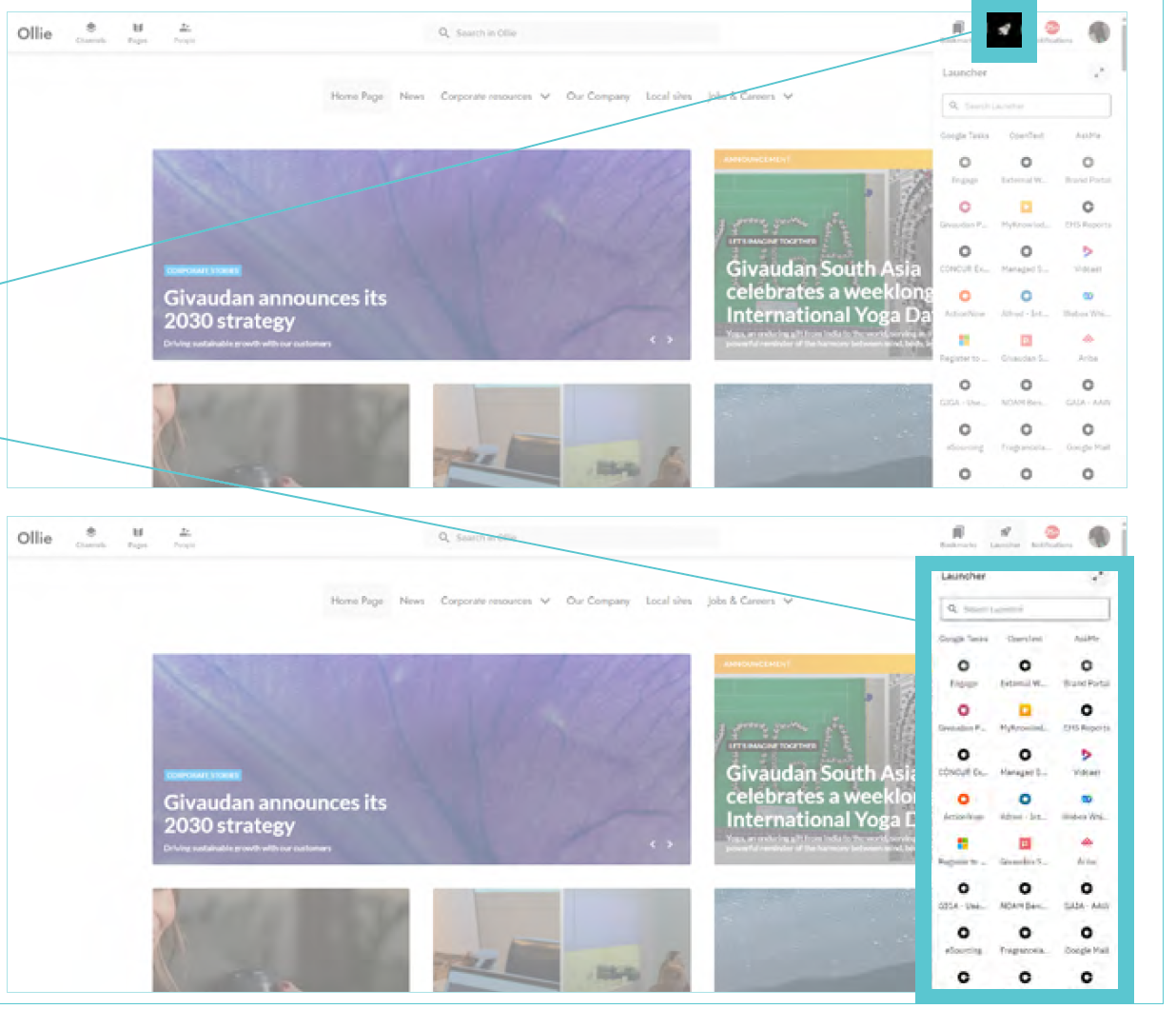
Open Enrollment is your one opportunity each year to elect or change your benefits unless you have a qualifying life status change. Newly hired employees must elect benefits within the first 30 days. Follow the instructions below to access the benefits portal.
From within the Givaudan network:
Note: New employees may not have access yet. Click here to email Givaudan Benefits for assistance if this is your situation.
How to log in to our benefits portal from outside the Givaudan network:
Note: If you haven’t logged in before, establish a temporary password. Your temporary password is your Social Security number without hyphens. Once you’re successfully logged in, you’ll be prompted to change your password.
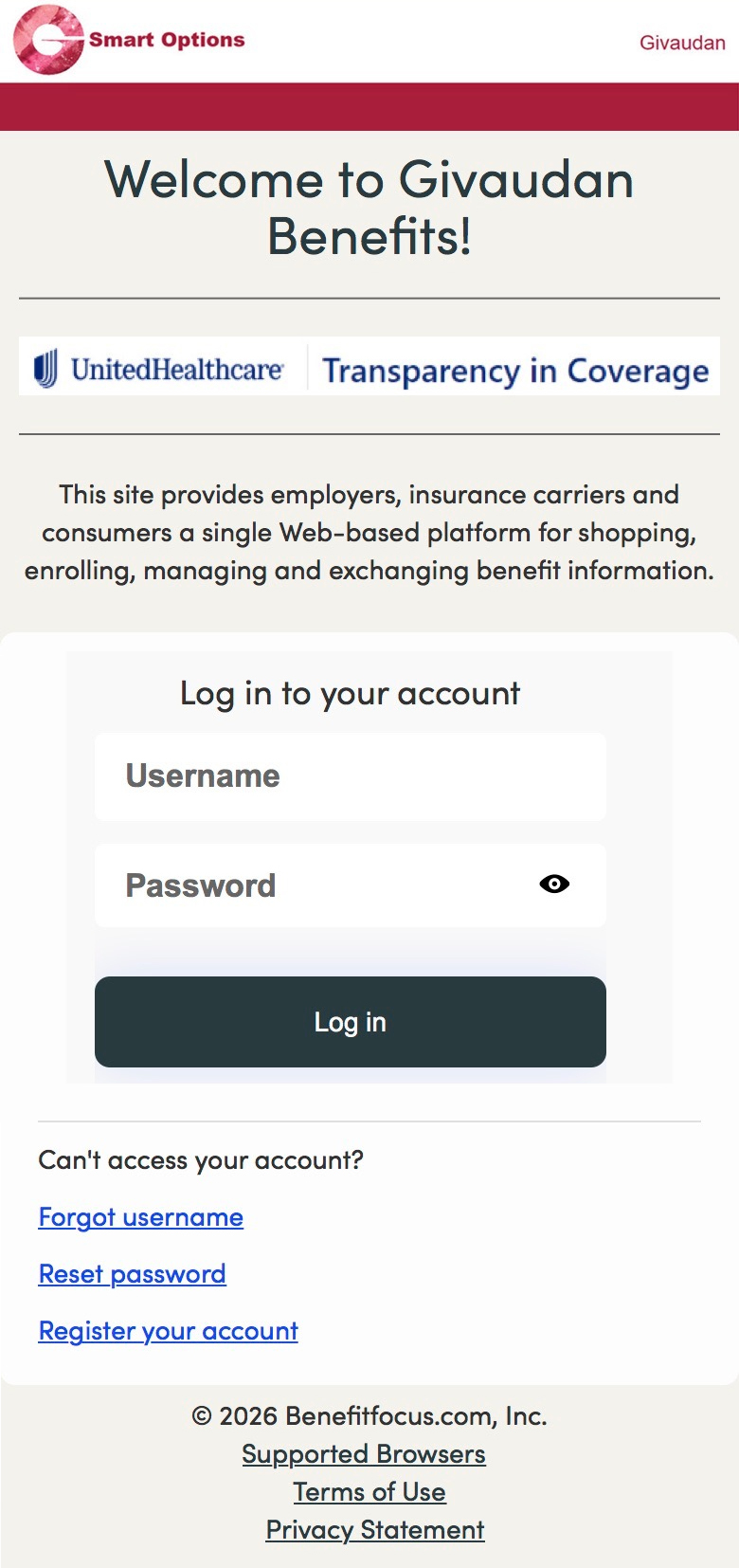
If you forgot your username or password, select “Can’t access your account?” from the log-in box, then follow the prompts.
Click here to access the benefits enrollment portal via single sign-on authentication.
Click here to log in to the benefits enrollment website with your username and password.